

5-Card Friday
A Bi-Weekly Update from the ITS UX Team
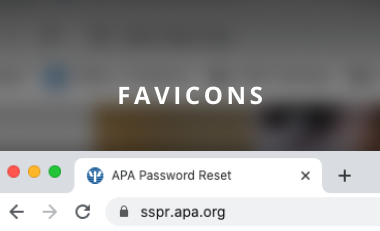
Need a Favicon or iTouch Icon?
The pattern library has been updated! You can now download a zip file with all the image formats needed for your app favicon and iTouch icons.
Flip the card over to learn more about favicons.
Why are Favicons Important?
- They enhance the usability of the web interface
- They strengthen the consistency of design solutions
- They support brand awareness and recognizability
- They allow users to find a necessary page much quicker and easier
Learn more about favicons here in this article.
Go to the pattern library
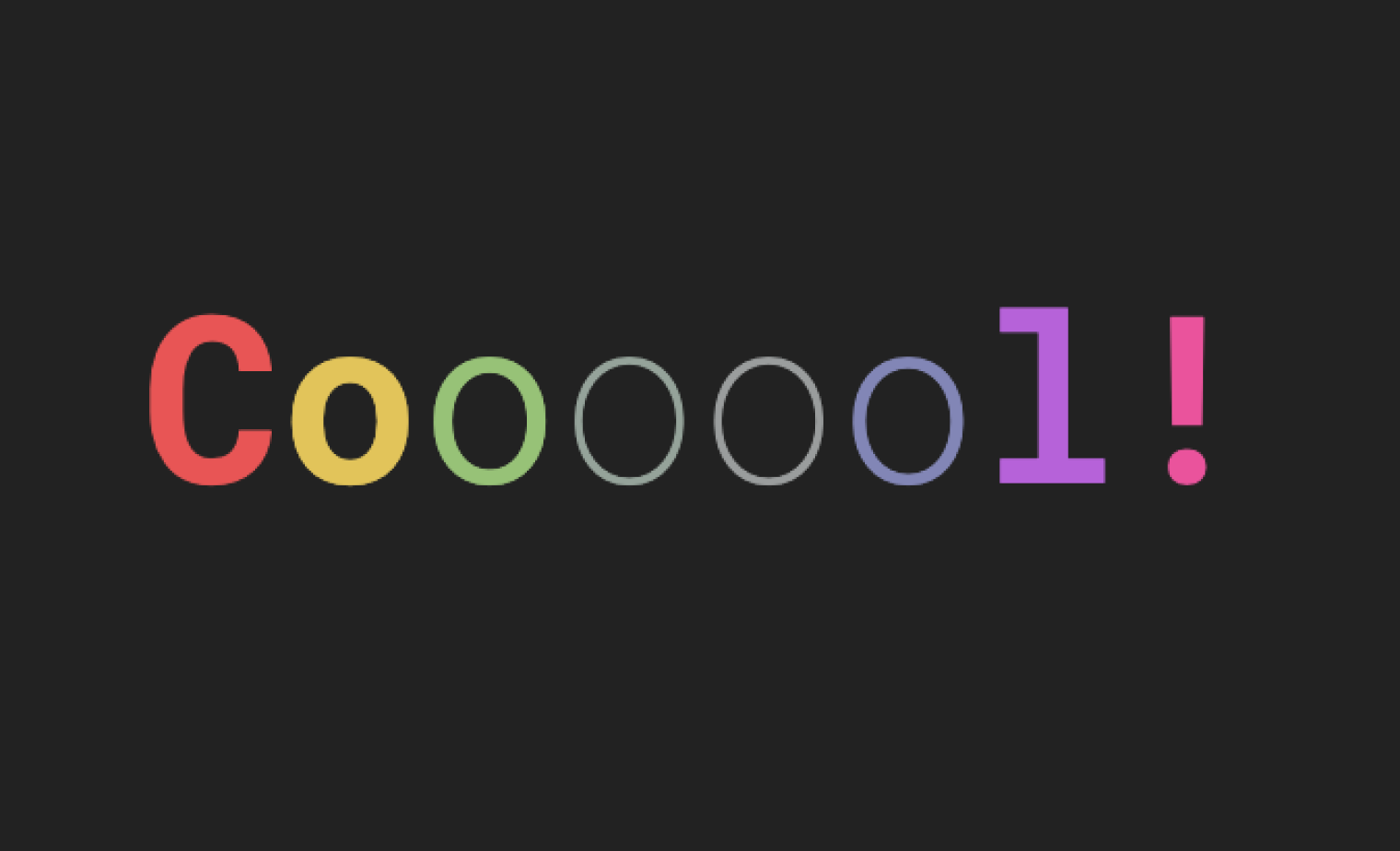
CSS Animated Google Fonts
Google Fonts now supports variable fonts!
Learn more on the back of this card.
CSS Animated Google Fonts
Check out the article to see examples of animated google fonts.
Read Full Article
How to Write and Design User-Friendly Error Messages
We all know that the best error message is the one that never shows up. But no matter how good our design is, errors are unavoidable. When people interact with products, eventually, something is bound to go wrong.
Flip the card over to learn more.
How to Write and Design User-Friendly Error Messages
Error messages may seem trivial, but they are a critical component of user experience. Users often evaluate the quality of the product by the quality of error messages. Poorly written error messages are one of the things that annoy users. Good error message UX design, on the other hand, can increase the speed of use and users’ subjective satisfaction.
Read full article
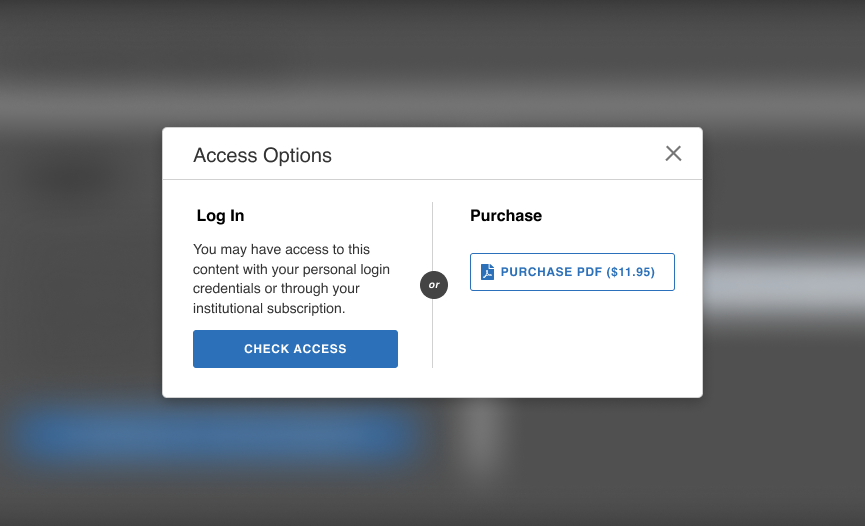
Usability Study: APA PsycNet Get Access Flow
Usability studies are a popular method UX professionals use. The qualitative study can be a quick way to get valuable feedback and research on your product.
A couple of months ago, our team ran a quick usability study for a new login flow for APA PsycNet. The goal of the study was to ensure there were no critical usability errors within the proposed flow.
Flip the card to learn more about the study and the importance of usability testing.
Usability Study: APA PsycNet Get Access Flow
Why Usability Testing?
NNGroup, a UX consulting and research firm, says the goals of testing include:
- Identifying problems in the design of the product or service
- Uncovering opportunities to improve
- Learning about the target user’s behavior and preferences
Learn more about usability testing here.
APA PsycNet Study: Brief Summary
The new check access flow was for anonymous users on APA PsycNet who were attempting to get access to a PDF on the platform. Our team ran a study comparing 2 different designs. The goal was to see if users could get access to the PDF easily. Each study had 5 participants, and we observed each recording of participants going through the 2 prototypes.
We found in both studies, most of the participants were able to get through the entire flow without any major issues. Although these findings did not necessarily help with choosing one design over another, they did help to solidify the proposed flow.
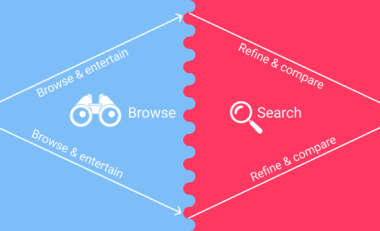
UX Cheat Sheet: Searching vs. Browsing
When designing search results and interest sites, you have to keep in mind what ‘mode’ your user is in. Are they in ‘searching mode’ or ‘browsing mode’? This will help you determine how to design your platform to best support your user’s journey.
Learn more on the back of this card.
Searching vs. Browsing
Key differences between the two behaviours:
- In searching mode you are ‘looking for’, while in browsing mode you are ‘looking at’.
- In searching mode you are looking for a specific result, while in browsing mode you are looking for general ideas or multiple answers.
- In searching mode you are looking to complete a task, while in browsing mode you may be looking for inspiration, entertainment, or just more information.
- In searching mode you are actively looking for solutions, while in browsing mode you are passively looking at results.
Read full article