

5-Card Friday
A Bi-Weekly Update from the ITS UX Team
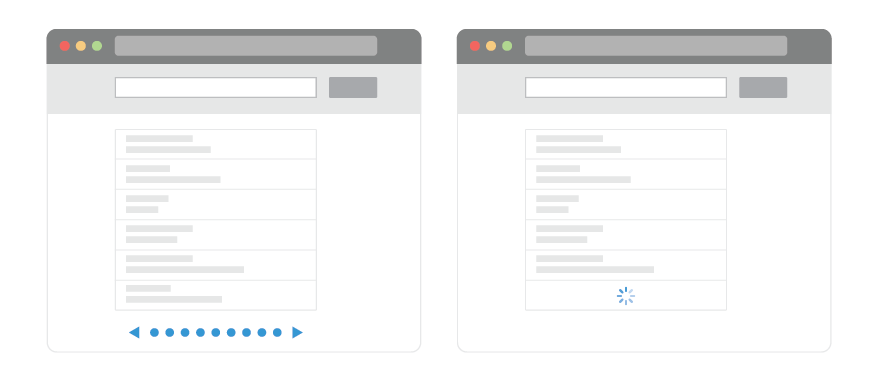
UX: Infinite Scrolling vs. Pagination
Designers should weigh the pros and cons of infinite scrolling and pagination before select the one. The choice depends on type of your product and the format of how you want to deliver content.
Flip the card over to learn more.
UX: Infinite Scrolling vs. Pagination
There are only a few instances where infinite scrolling is effective. It’s best suited for sites and apps that are large streams of user-generated content (Twitter, Facebook, Pinterest, Instagram).
Pagination, on the other hand, is well-suited for goal-oriented sites and apps where users look for something specific.
Read Full Article

Design a Perfect Search Box
Search is an integral part of most content-heavy apps or sites. Good search experience means good overall UX. Even minor changes such as a proper size of the input field can significantly increase search usability.
Flip the card over to learn more.
Design a Perfect Search Box
Search box is a combination of the input field and the submit button. One may think that the search box doesn’t need a design; after all, it’s just two simple elements.
However, on content-heavy websites, the search box is often the most frequently used design element. When users encounter relatively complex sites, they look for a search box because they think of it as a shortcut that will get to their final destination quickly. The design of the search box and its usability becomes a big deal.
Read Full Article
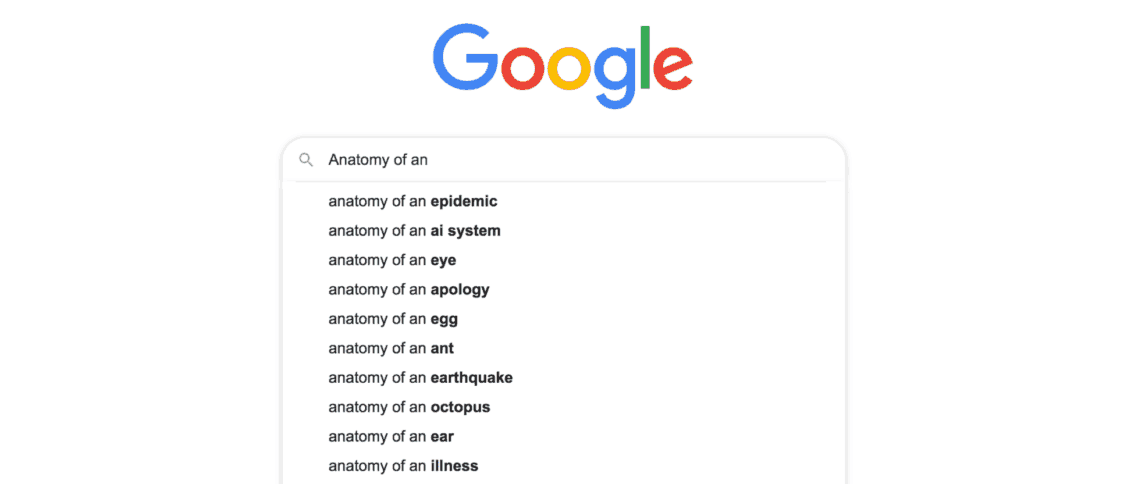
Anatomy of an Accessible Auto Suggest
These days auto-suggest is everywhere, from social media sites like Twitter and Facebook, to shopping sites like eBay and Amazon. With plugins available for all the latest frameworks and libraries, adding an auto-suggest to your site is relatively easy.
Flip the card over to learn more.
Anatomy of an Accessible Auto Suggest
But what about accessibility? I’ve reviewed auto-suggest components from many of the major frameworks, and most of them have one thing in common: they’re not properly accessible.
Read Full Article
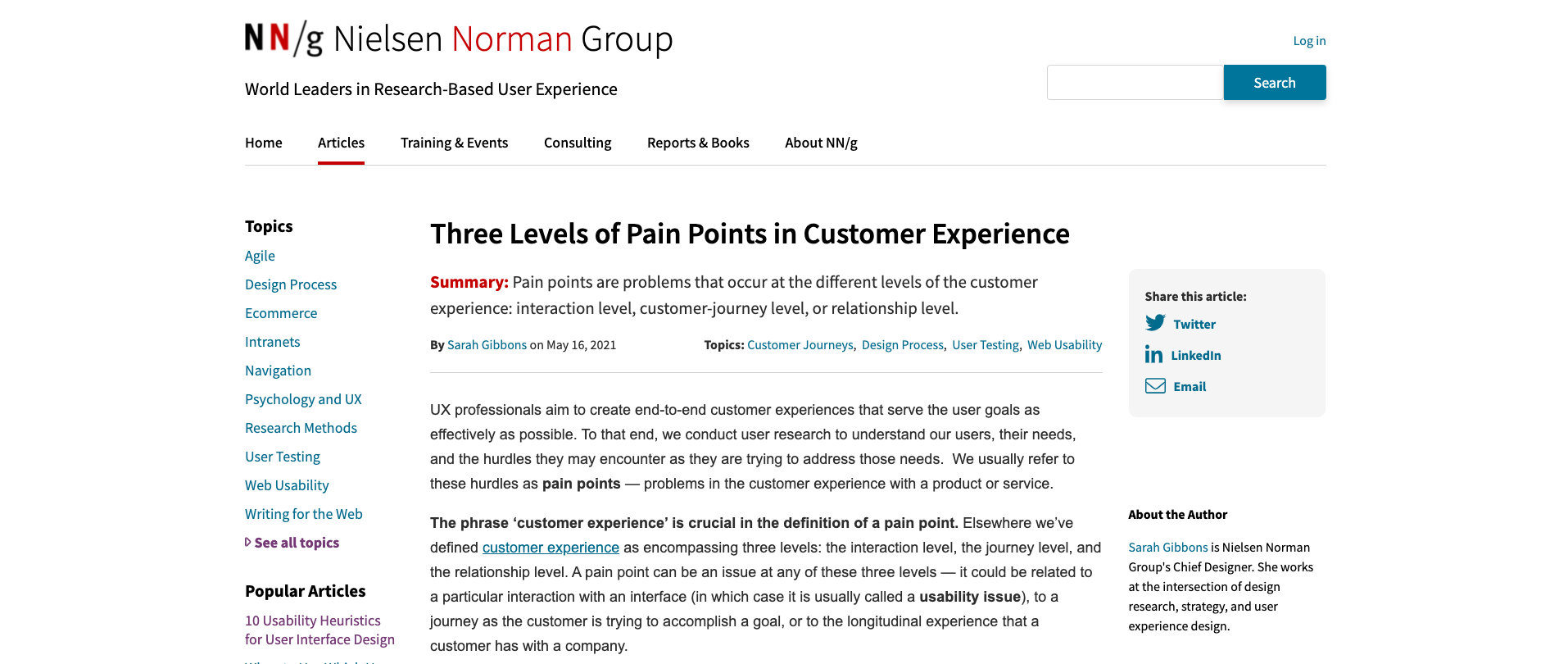
Three Levels of Pain Points in Customer Experience
Pain points are problems that occur at the different levels of the customer experience: interaction level, customer-journey level, or relationship level.
Flip the card over to learn more.
Three Levels of Pain Points in Customer Experience
UX professionals aim to create end-to-end customer experiences that serve the user goals as effectively as possible. To that end, we conduct user research to understand our users, their needs, and the hurdles they may encounter as they are trying to address those needs. We usually refer to these hurdles as pain points — problems in the customer experience with a product or service.
Read Full Article
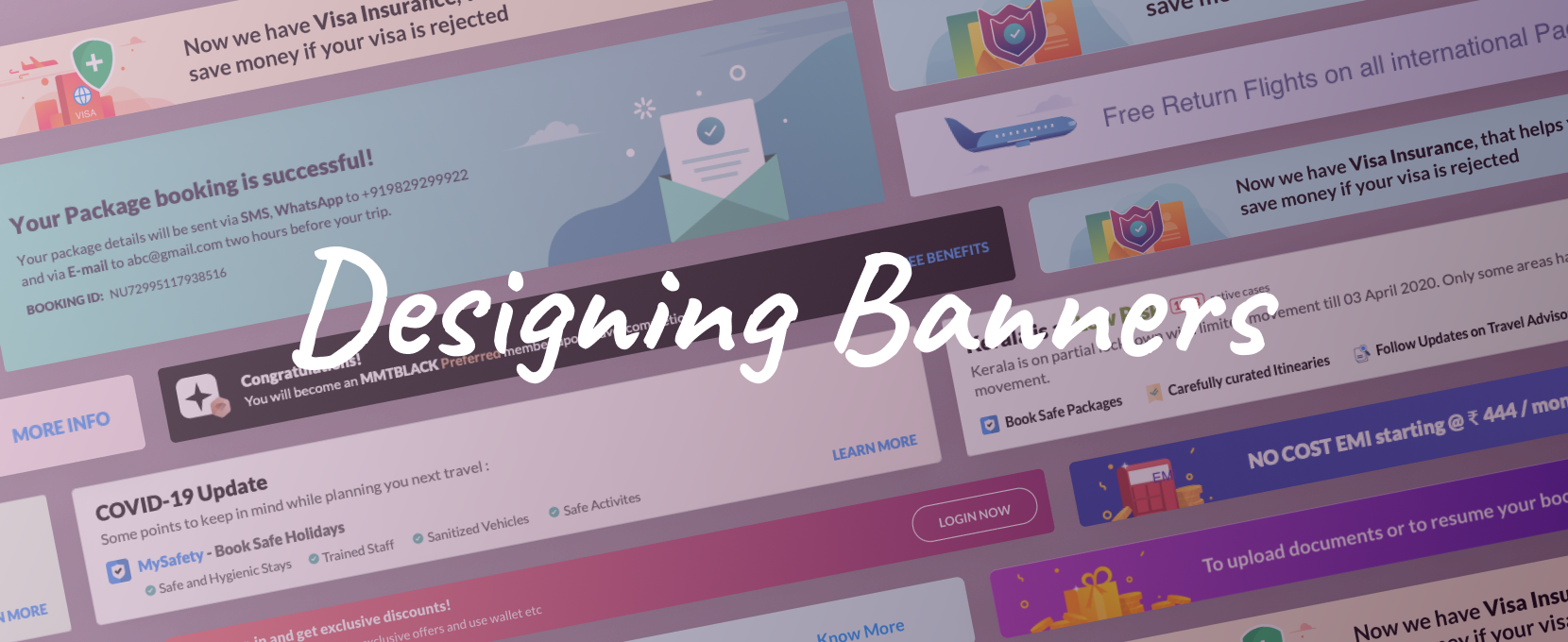
Designing Persuasive Banners
Managing banner expectations and their struggle for recognition.
Flip the card over to learn more.
Designing Persuasive Banners
Banners get their roots from advertising. They are inspired by real-life banners and are translated into the world of UX to land users to desired end goals.
Let’s deconstruct their existence and find a methodological approach in their type and placement so that they can provide value for the user and the provider.
Read Full Article